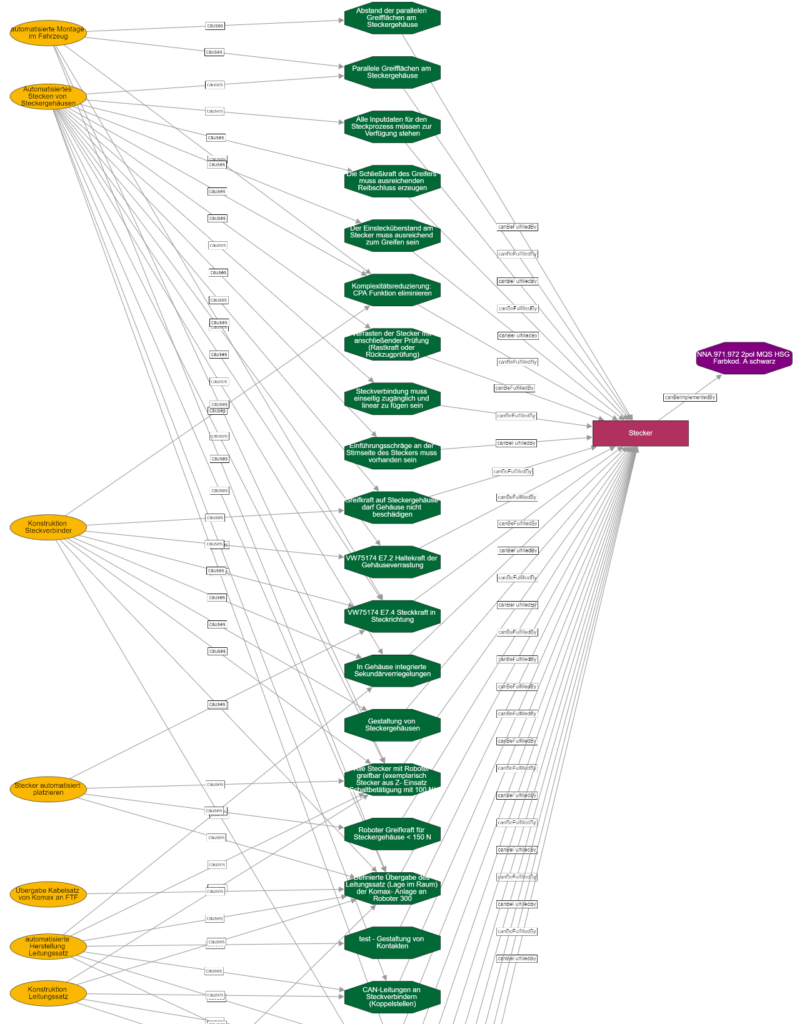
If too many nodes are displayed in a graph view, it becomes confusing. Therefore, a filter is usually defined that limits the scope and depth of the display.
Interactive Navigation
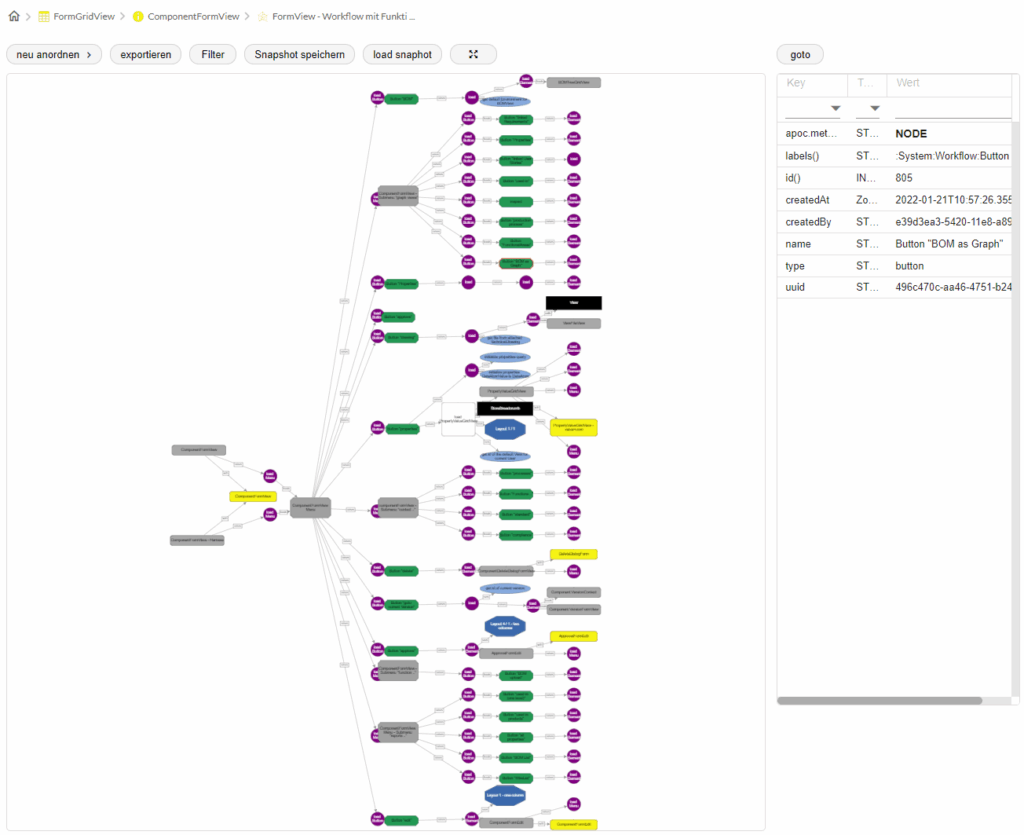
The graph view uses predefined layouts for a quick overview. A click on a node shows details and allows direct jump to the data element. Context menus enable successive customization.
- Save "snapshots" for reuse
- Configurable filters for scope and depth
- Predefined layouts for quick overview
- Interactively expandable via click and context menu
Making Connections Visible
The graph shows from a component the linked requirements and user stories. Processes with resources, materials and work steps are visualized. Any reports can be derived from this.